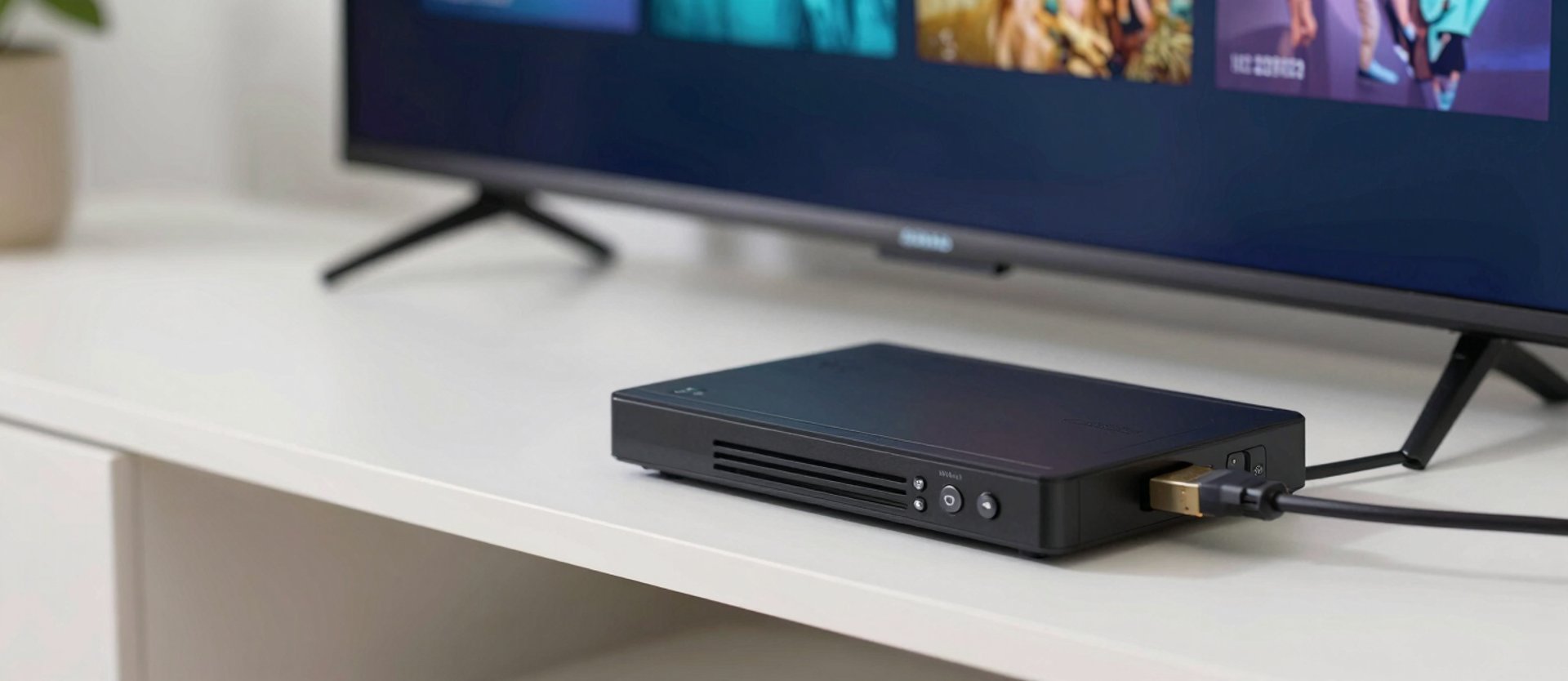
Get your IPTV system running right
See below for general setup as well as guides on resolving buffering issues
/ DEVICE SETUP
Pick your device, follow the steps
Amazon Fire TV
Android TV Box
Google TV Onn/Apple devices
Full walkthrough for Android-based boxes: sideloading the IPTV player, entering your credentials, and fixing the buffering that shows up on default settings.
Install downloader from app store
GO TO SETTINGS > FIRE TV > ABOUT
CLICK "FIRE TV" (OR SIMILAR) 7 TIMES
YOU SHOULD SEE A MESSAGE SAYING "YOU ARE A DEVELOPER"
GO BACK TO DOWNLOADER AND ENTER CODE "82375"
DOWNLOAD, INSTALL, OPEN
ENTER MANAGEMENT CODE PROVIDED BY ME
Download IMPlayer from App Store
enter management code provided by me
Please reach out if you get stuck